> For the complete documentation index, see [llms.txt](https://docs.3dolphins.ai/llms.txt). Markdown versions of documentation pages are available by appending `.md` to page URLs; this page is available as [Markdown](https://docs.3dolphins.ai/5.3.0-id/customer-service/form-management/form-builder/edit-form-builder.md).
# Edit Form Builder
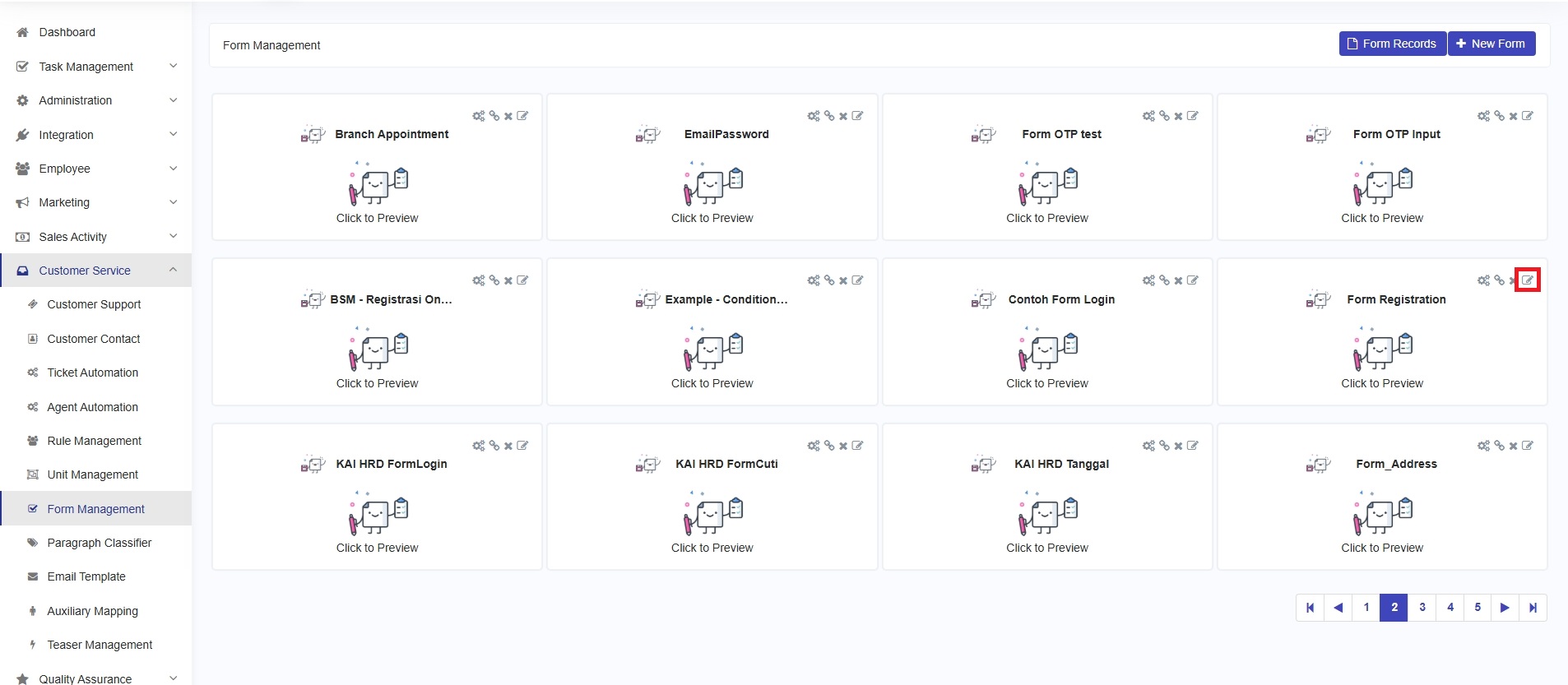
Ketika Anda merasa perlu untuk mengedit form dikarenakan ingin memperbarui form dengan menambahkan dield baru yang dibutuhkan atau menghapus filed yang tidak digunakan lagi. Untuk mengedit form, klik tombol 'Edit' pada form yang diinginkan.
Edit Form
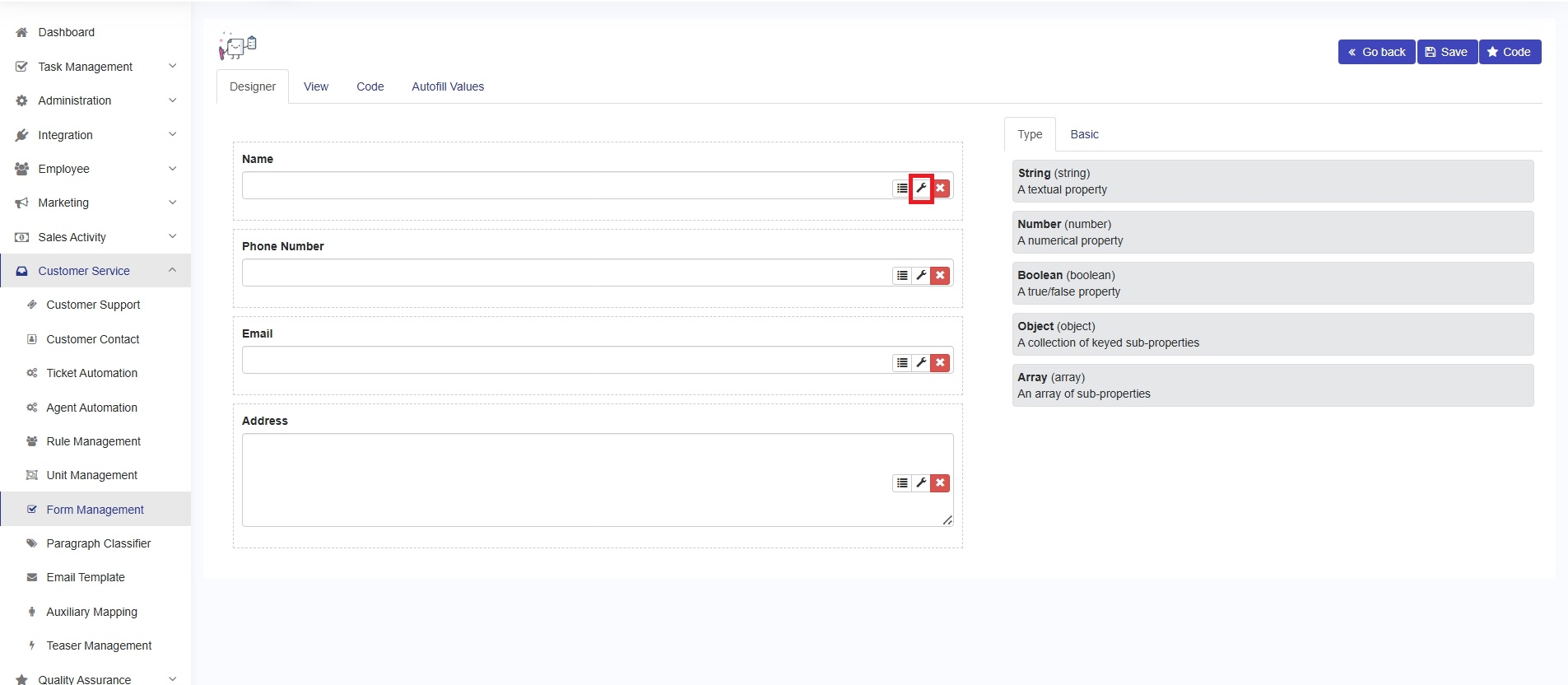
Anda akan melihat form untuk mengedit form yang sudah ada. Misalnya, pada form "Form Registration", update field First Name menjadi Name and field Last Name menjadi Phone Number dengan mengklik tombol **'config'** dan update label, seperti gambar dibawah ini.
Edit Existing Form
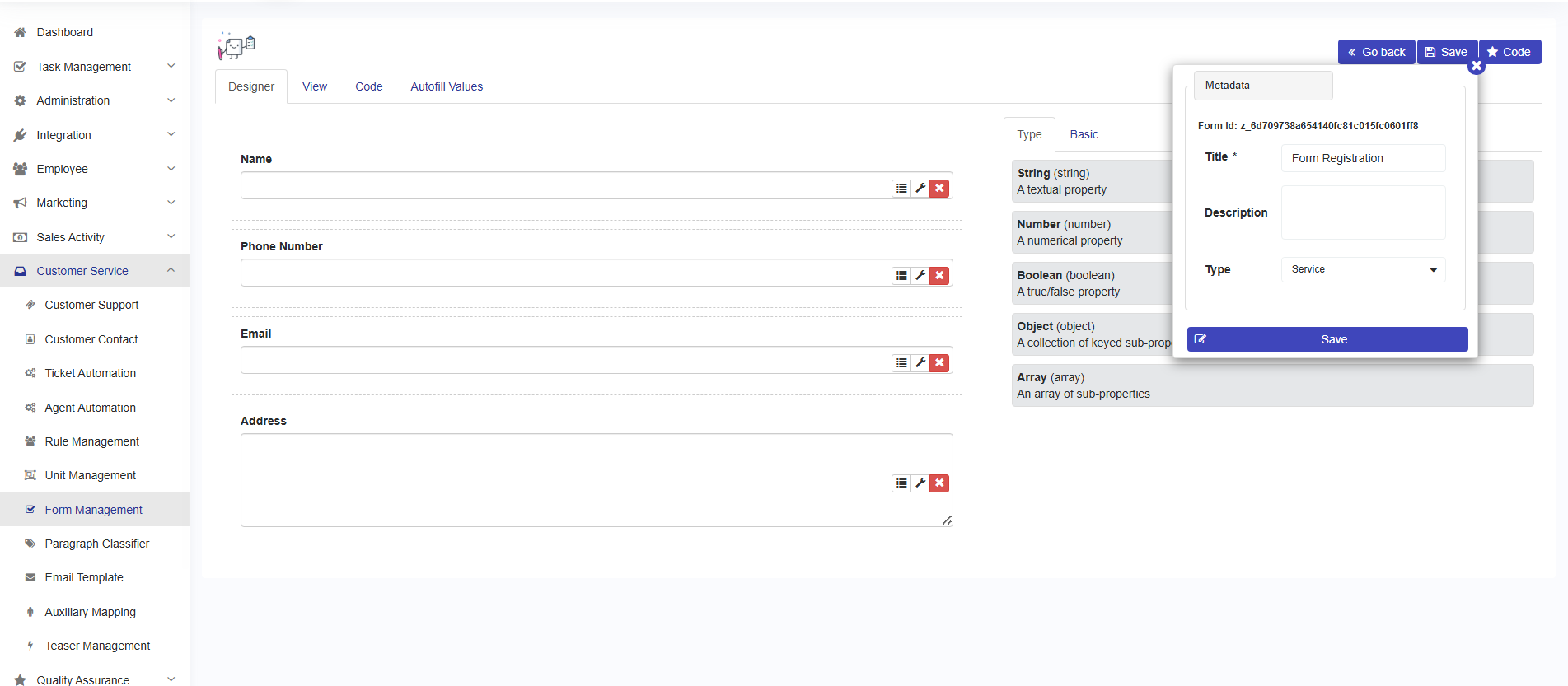
Jika sudah selesai, klik tombol **'save'**, maka Anda akan melihat form metadata, dan klik tombol **'save'**.