> For the complete documentation index, see [llms.txt](https://docs.3dolphins.ai/llms.txt). Markdown versions of documentation pages are available by appending `.md` to page URLs; this page is available as [Markdown](https://docs.3dolphins.ai/5.3.0-id/marketing/template/filter-and-search-template.md).
# Filter and Search Template
Fitur ini memungkinkan Anda untuk mencari Template berdasarkan judul, isi pesan, dan status template. Berfungsi untuk memudahkan Anda menemukan template diantara banyaknya template yang ada dalam daftar.
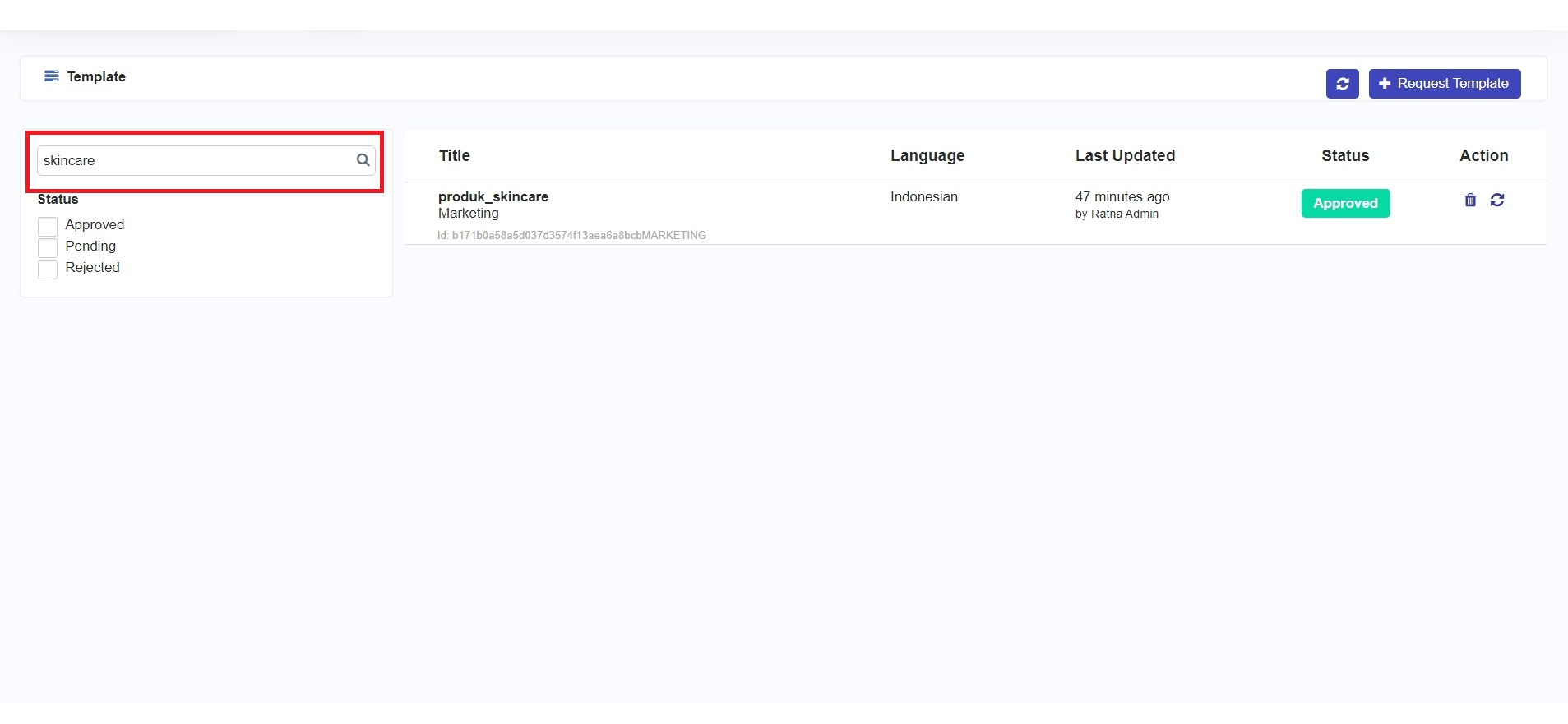
Jika Anda ingin mencari Template berdasarkan judul atau isi pesan, ketikkan kata kunci pada kolom pencarian kemudian klik tombol ikon **'Search'** maka pada halaman Template hanya akan menampilkan daftar Template yang sesuai dengan kata kunci seperti pada gambar berikut.
Search Template by Title
Jika Anda ingin memfilter Template menurut statusnya, Anda dapat mencentang status yang ingin Anda tampilkan, kemudian pada halaman Template hanya akan menampilkan daftar Template yang sesuai dengan status yang dipilih.