> For the complete documentation index, see [llms.txt](https://docs.3dolphins.ai/llms.txt). Markdown versions of documentation pages are available by appending `.md` to page URLs; this page is available as [Markdown](https://docs.3dolphins.ai/integration/channel-connector/whatsapp/result-create-new-whatsapp-business-channel.md).
# Result Create New Whatsapp Business Channel
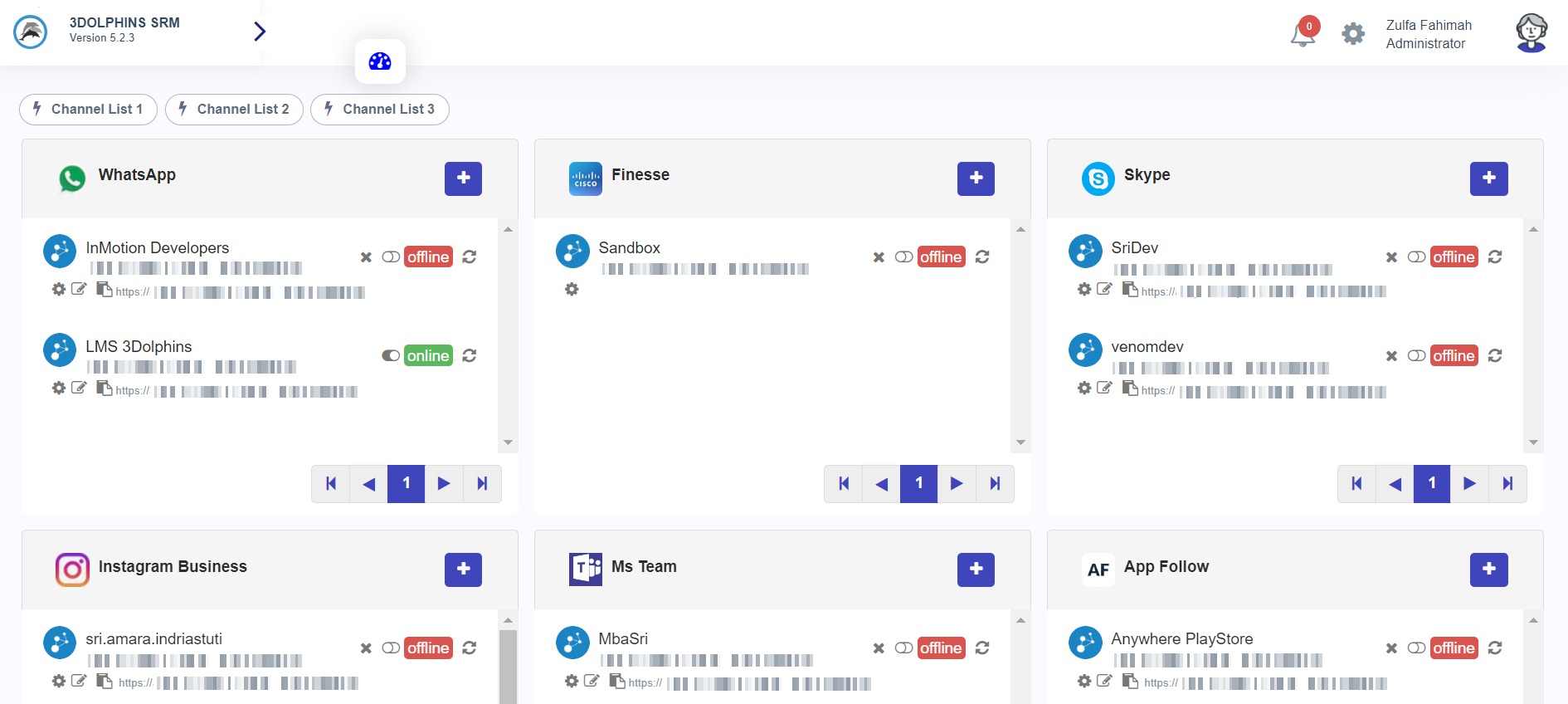
Click enable toggle to activate the Whatsapp channel that has been added.
Channel Connector Whatsapp
Customers send messages to your Whatsapp business number.
Send Message
Message customers in your Whatsapp channel can be incoming as a ticket to the **'Inbox'** tab Agent or **'Unassigned'** tab supervisor.